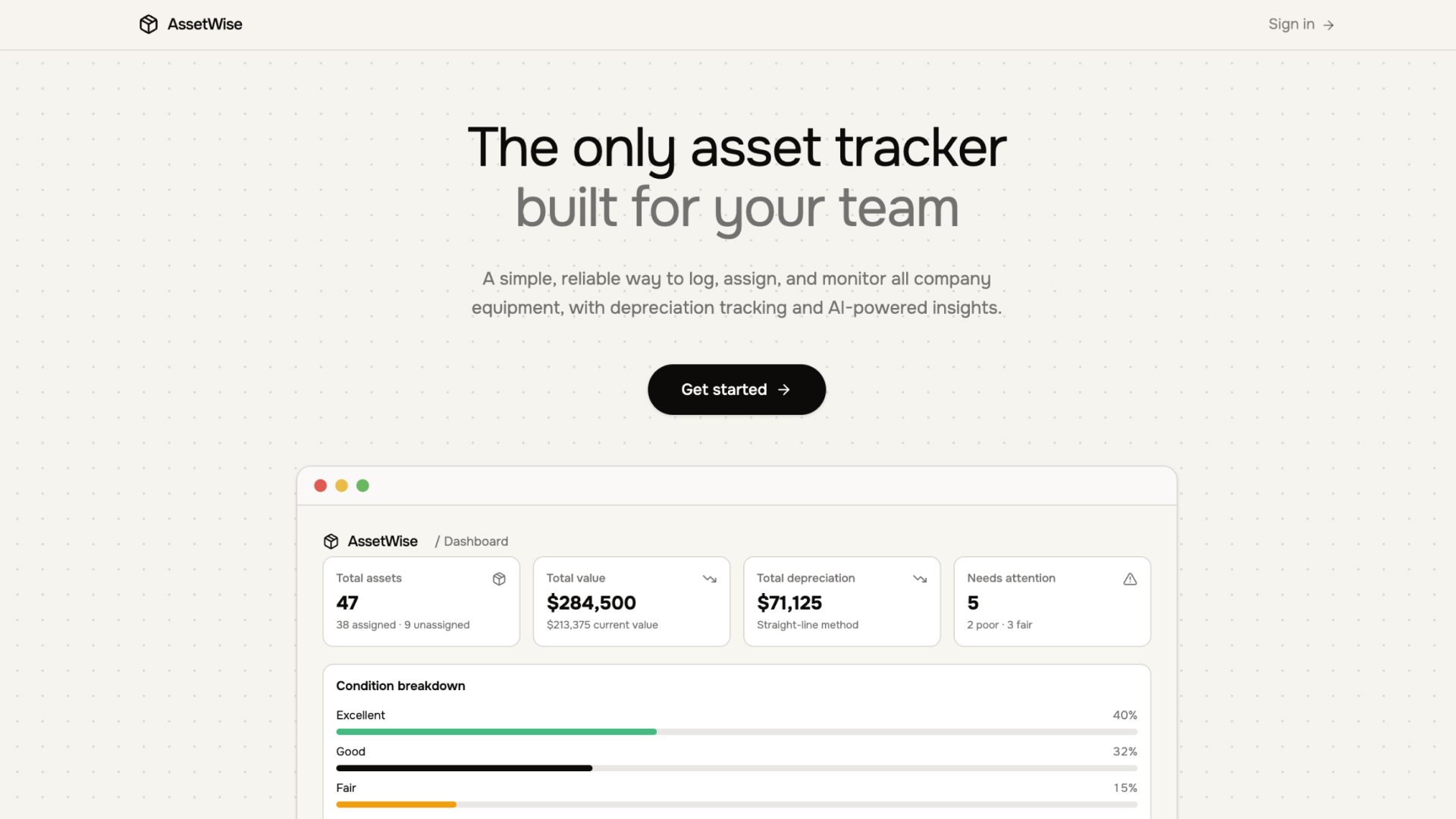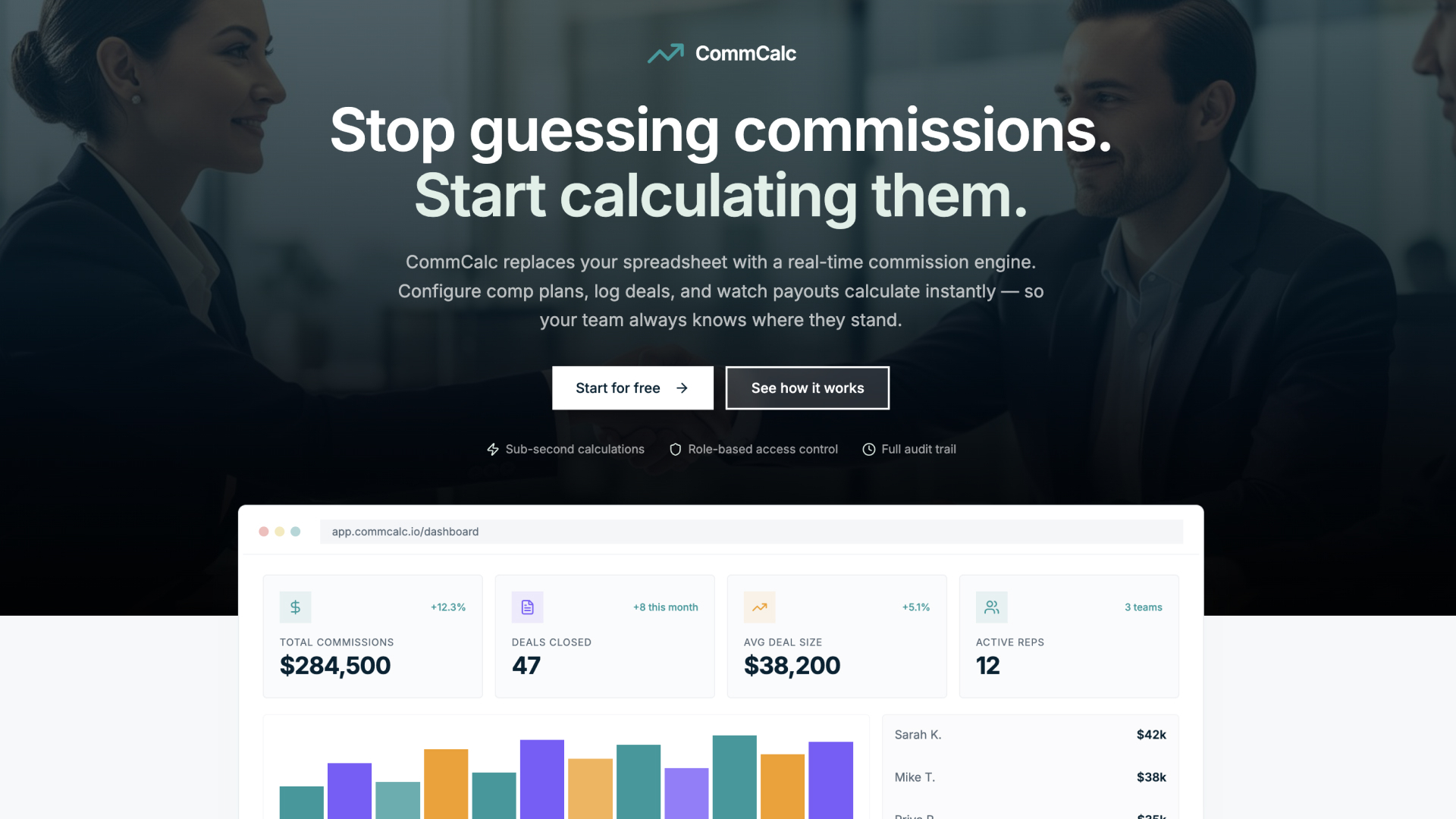
Upvote - Feature Request Board Template
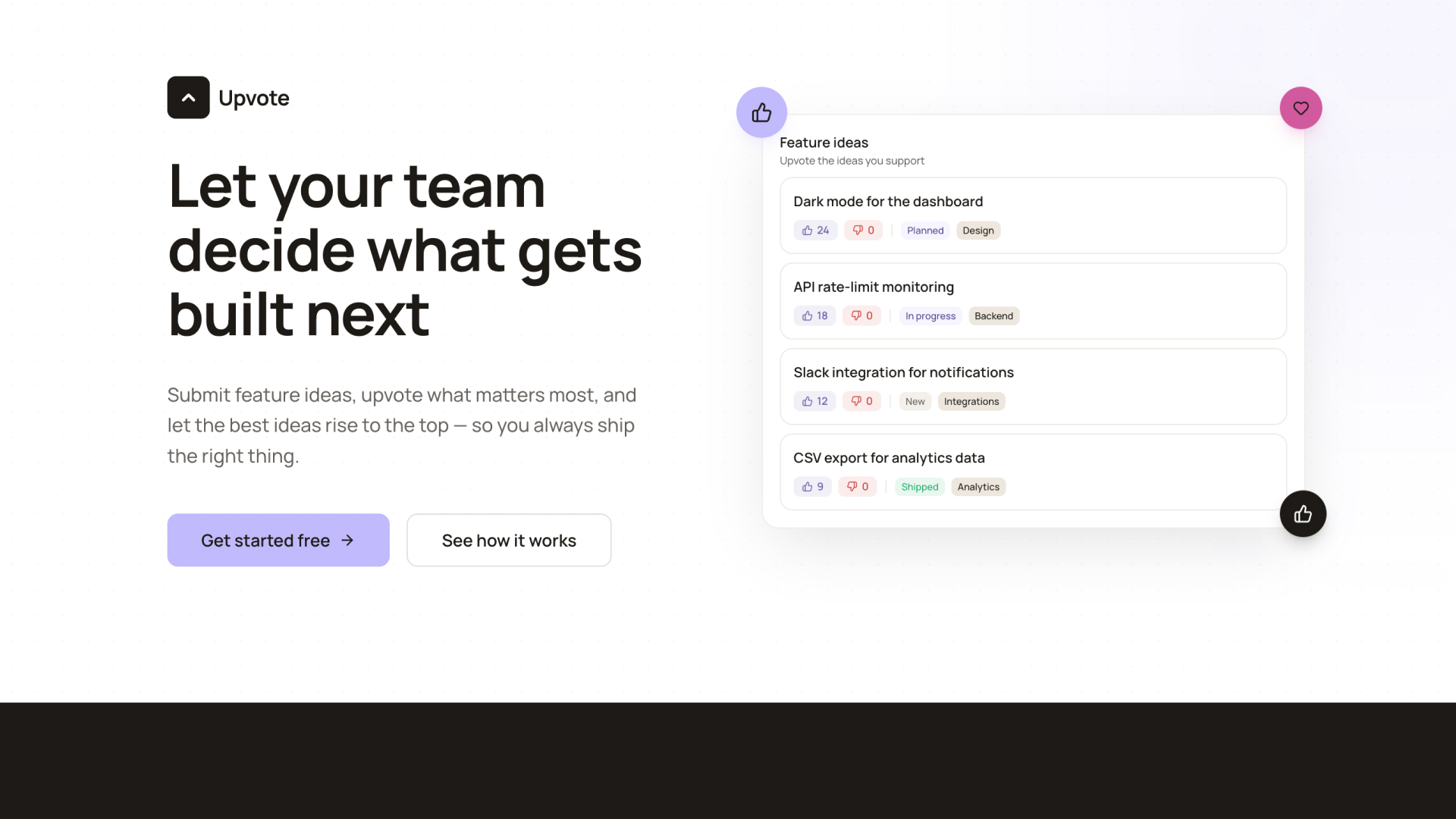
Collaborative feature voting board where teams submit ideas, upvote priorities, and track requests from new to shipped
LOLovable
·
Key Highlights
Submit and vote on feature ideas
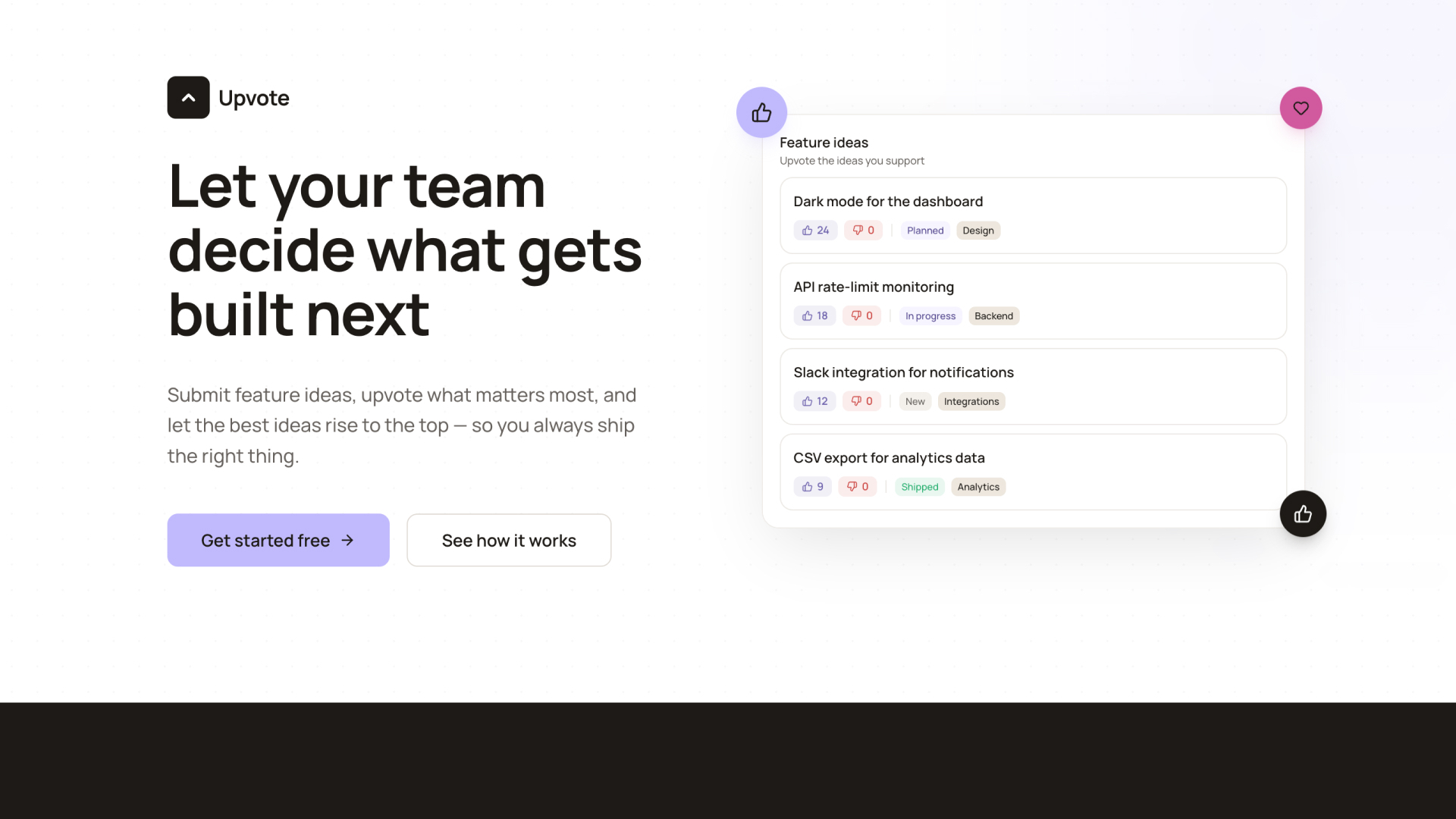
Anyone can propose an idea with a title, description, and category. The rest of the team votes it up or down.
Upvote and downvote with real-time counts
Each request shows real-time upvote and downvote counts. Vote totals determine the default sort order so popular ideas surface first.
Status tracking from new to shipped
Requests move through statuses — new, under review, planned, in progress, and shipped. Admins update statuses as work progresses.
Threaded comments on each request
Leave comments on any request to discuss scope, add context, or raise concerns. Comment authors can delete their own comments.
Role-based access with admin controls
Three roles — admin, moderator, and user — control who can update statuses, edit requests, and moderate the board.
Filter, sort, and search requests
Search requests by title, sort by most votes or newest, and filter by category. Clear all filters with one click.
Features & Capabilities
Production-ready features built with modern tech stack for exceptional performance and user experience
Feature request submission
Upvote and downvote voting
Status tracking
Threaded comments
Category filtering
Search and sort
Role-based access control
Real-time updates
User profiles
Google OAuth login
Responsive design
Customizable branding
Loading live preview...
About this template
This template gives your team a shared board for submitting, voting on, and tracking feature requests. Anyone can propose an idea with a title, description, and category. The rest of the team votes it up or down, and the most popular requests rise to the top.
Each request includes a status (new, under review, planned, in progress, shipped) that admins can update as work progresses. Team members can leave comments on any request to discuss scope, feasibility, or alternatives.
Upvote includes role-based access control with admin, moderator, and user roles. Admins can update statuses, edit or delete any request, and moderate the board. All users can submit ideas, vote, and comment.
Authentication is built in — users sign up with email or Google OAuth, verify their email, and get access to the board. User profiles display names and avatars across the app.
Who This Is For
Product managers collecting feature requests from engineering, design, and stakeholders
Startup founders gathering team input to prioritize what to build next
Engineering leads letting the team surface the most impactful improvements
Team leads running internal feedback loops without another tool subscription
Best Use Cases
Internal Feature Prioritization
Give your team a single place to propose and vote on what gets built next. The voting system surfaces the most-wanted features automatically, so planning sessions start with real signal instead of opinions.
Team Feedback Collection
Replace scattered Slack polls and spreadsheet surveys with a persistent board. Every idea stays visible, accumulates votes over time, and includes a comment thread for context.
Roadmap Input From Stakeholders
Share the board with cross-functional teams so everyone can see what's been requested, what's planned, and what's shipped. Status updates keep stakeholders informed without extra meetings.
Bug and Improvement Tracking
Use categories to separate feature requests from bug reports or quality-of-life improvements. Filter and sort to focus on what matters most in each planning cycle.
Getting Started
Step 1: Remix This Template
Click "Remix" to create your copy. You'll have a working feature request board you can explore before adding your own content.
Step 2: Familiarize Yourself With the Project
Go to User > Settings > Knowledge, and read what's under "Project knowledge" to understand the intended architecture and access control model. You can also ask Lovable in the chat for more details.
Step 3: Customize Your Brand
Update colors, fonts, and your company name. The design system uses CSS variables and Tailwind tokens so you can adjust the look instantly to match your product's identity.
Step 4: Configure Authentication
The template supports email/password signup and Google OAuth out of the box. Review the auth settings to match your team's preferred login method.
Step 5: Invite Your Team
Share the app URL with your team. Users sign up, verify their email, and start submitting and voting on ideas immediately.
Step 6: Go Live
Deploy with one click and share with your team. Lovable handles hosting and performance.
Step 7: Iterate and Make It Yours
Continue building and make any changes to the app to suit your team's exact preferences and workflows.
Conclusion
This feature request board works for product teams, founders, and engineering leads who want a clear, democratic way to decide what gets built next. You get idea submission, upvote/downvote voting, status tracking, threaded comments, and role-based access in a template you can deploy in minutes. Whether you're collecting feedback from a small team or managing requests across departments, the voting system replaces the spreadsheet polls and Slack threads you've been relying on.
Related Templates